How to Remove Subtitles from Video 2026: Complete Guide
Master the fastest, most effective methods to remove subtitles from any video. From handling hardcoded text to dropping embedded tracks—discover how AI transforms the workflow.
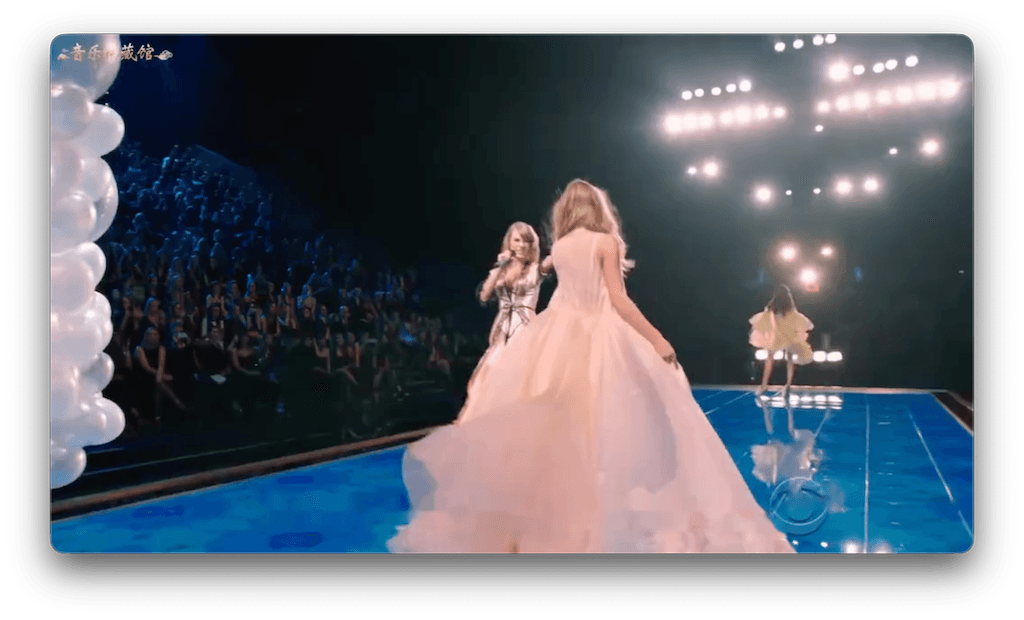
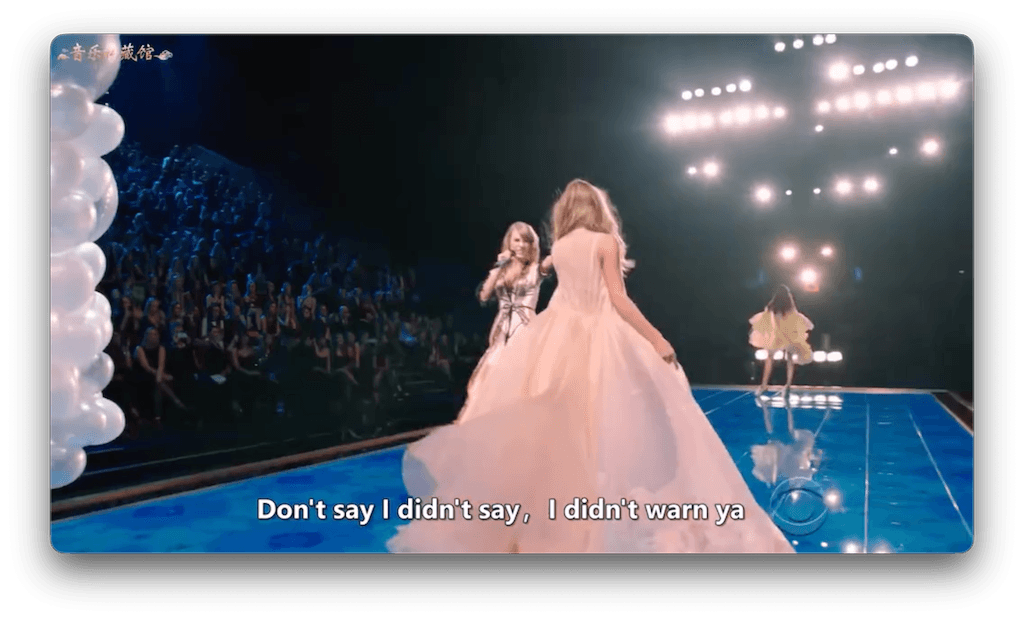
1. How to Remove Subtitles from Video (All Methods)
When you need to subtitle remove from your footage, the approach largely depends on what kind of subtitles you are dealing with. There are historically three ways to tackle this issue:
- Manual Cropping: Simply slicing off the bottom 15% of your video frame. This is fast, but destroys your shot composition and aspect ratio.
- Manual Blurring: Using NLE software like Premiere Pro or CapCut to painstakingly track and blur the text area. It's time-consuming and leaves a distracting, ugly blotch on screen.
- AI Subtitle Removal (The Modern Way): Using deep learning algorithms to intelligently recognize the text, mask it, and reconstruct the missing background pixels based on adjacent optical flow.
2. Best AI Subtitle Removal Tools 2026
| Tool | Platform | Key Strength | Drawbacks |
|---|---|---|---|
| EchoSubs AI | Desktop (Win/Mac) | Offline Batch Inpainting | Requires modern hardware for speed |
| Filmora / CapCut | Desktop / Mobile | All-in-one editing | Usually relies on manual blurring |
| Media.io | Web Browser | No installation needed | File size limits, requires upload |
3. EchoSubs: Offline Batch Subtitle Removal
For intensive workflows, browser-based tools are fundamentally insufficient. EchoSubs offers an uncompromising offline-first architectural approach to AI subtitle removal. By performing the heavy deep-learning computations directly on your local GPU, you avoid cloud limitations, preserve raw quality, and maintain strict data privacy over sensitive content.
Why Offline Wins:
- Zero upload/download transfer times
- No artificial 4K or 100MB file constraints
- Unparalleled privacy—data never leaves your machine
4. Hardcoded vs Soft Subtitles Removal
Hardcoded (Burned-in)
These subtitles are literally painted onto the video frames. To delete them, you need an advanced hardcode subtitle remover like EchoSubs which uses AI to hallucinate and fill in the visual data that the text covered up.
Embedded (Soft)
These are floating text tracks attached to MKV or MP4 files. You can just untick a box in VLC player to hide them. Need them permanently gone? An embedded subtitle remover or basic demuxer handles this instantly without AI.
5. AI Subtitle Removal Quality Expectations
While our inpainting technology is state-of-the-art, transparency is important. AI is not magic; it is highly educated guessing. No tool can honestly claim 100% perfection. So what should you expect?
- 90%+ Quality: Static & Simple BackdropsIf the text sits over a dark floor, a clear sky, or a blurred background, the AI reconstruction is almost flawless. Most users will never notice text was ever there.
- 85-90% Quality: Complex MotionWhen the camera pans wildly over complex foliage or dense crowds behind the text, the AI might leave subtle artifacting or minor soft-focus patches. However, it is vastly superior to a harsh, blocky manual blur.
6. Free vs Pro Subtitle Removal Tools
The lure of "free online" solutions often fades once you hit their paywalls. Free web-based tools usually watermark your exports or refuse videos longer than 3 minutes. If you seriously need to remove subtitles from videos at scale, a professional desktop tool like EchoSubs provides an excellent ROI via unrestricted processing limits and high-fidelity output.
7. Step-by-Step Subtitle Removal Guide
Import Your Video
Launch EchoSubs desktop client and drag in your video file. It remains securely on your local system.
Select the Subtitle Area
Since subtitles are usually fixed to the bottom, draw a quick masking box around the region. This tells the AI precisely where to focus its inpainting engine.
Process & Export
Click the execute button. The AI analyzes adjacent frames and mathematically fills the gaps, giving you a clean video ready for publishing.
8. Handling Complex Backgrounds/Faces
When people ask how an AI subtitle remover performs on human faces, the answer lies in temporal awareness. Primitive tools look at one frame and guess. EchoSubs looks forwards and backwards in time tracking the shape of a chin or a moving hand. This creates a remarkably fluid background patch rather than a distorted, melted mess when text overlays complex facial movements.
9. Batch Processing Multiple Videos
Need to clean up an entire TV season or a folder of lecture recordings? EchoSubs supports robust batch processing.
- Load a directory of 50+ video clips.
- Apply a master settings profile (bounding boxes and AI strength).
- Walk away while your computer churns through the workload automatically.
Frequently Asked Questions
How to remove subtitles from video?
Use EchoSubs for offline batch processing. Unlike generic video editors, EchoSubs leverages AI to automatically detect and reconstruct the background behind hardcoded subtitles cleanly and efficiently.
Can AI remove hardcoded subtitles?
Yes. AI typically achieves 85-90% quality for most videos, and 90%+ for simple static backgrounds. EchoSubs uses advanced video inpainting to remove the text and rebuild the missing frames.
What's the best subtitle remover in 2026?
EchoSubs offers an offline-first batch processing workflow, making it the most powerful and private subtitle remover available for desktop users today.
Is there a free subtitle remover?
There are online tools with limitations like watermarks and 100MB file limits. For professionals or high-volume needs, EchoSubs pro provides better quality, complete offline privacy, and batch processing capabilities.
How to remove subtitles from MP4 or MKV?
If they are embedded (soft), you can disable them in your media player or use a quick muxing tool to strip the track. If they are burned into the video (hardcoded), you need an AI tool like EchoSubs to remove them.
Does removing subtitles reduce video quality?
No long-term degradation occurs with EchoSubs. Our AI maintains 85-90% visual reconstruction quality by intelligently sampling adjacent frames rather than just applying a messy blur across your video.
Can I batch remove subtitles?
Yes. EchoSubs is designed from the ground up for batch processing. You can load dozens of videos, apply detection bounds, and process them all overnight.
What is the difference between hardcoded and embedded subtitles?
Hardcoded subtitles are permanently merged with the video's pixel data. Embedded (soft) subtitles are stored as distinct data tracks inside the video file format (like MKV) and can natively be toggled on or off.
How long does AI subtitle removal take?
Processing speeds depend on your video's length and complexity, as well as your local hardware. A modern GPU typically handles a 10-minute 1080p video in just a couple of minutes.
What formats are supported?
EchoSubs handles all major video formats, including MP4, MOV, MKV, AVI, and more.
Is this suitable for TikTok or YouTube videos?
Yes. You can clean up downloaded clips in any aspect ratio and export them ready to be re-captioned or published directly to social platforms.
AI vs manual video editing?
Manual video editing gives complete frame control but requires hours of tedious rotoscoping and masking. AI is vastly faster and automates the process, letting you get 90% of the way there in a fraction of the time.