Best AI Subtitle Removers 2026
Remove hardcoded subtitles perfectly with EchoSubs AI. No blur, no crop, and 100% offline privacy.
See the Difference: AI vs. Blur

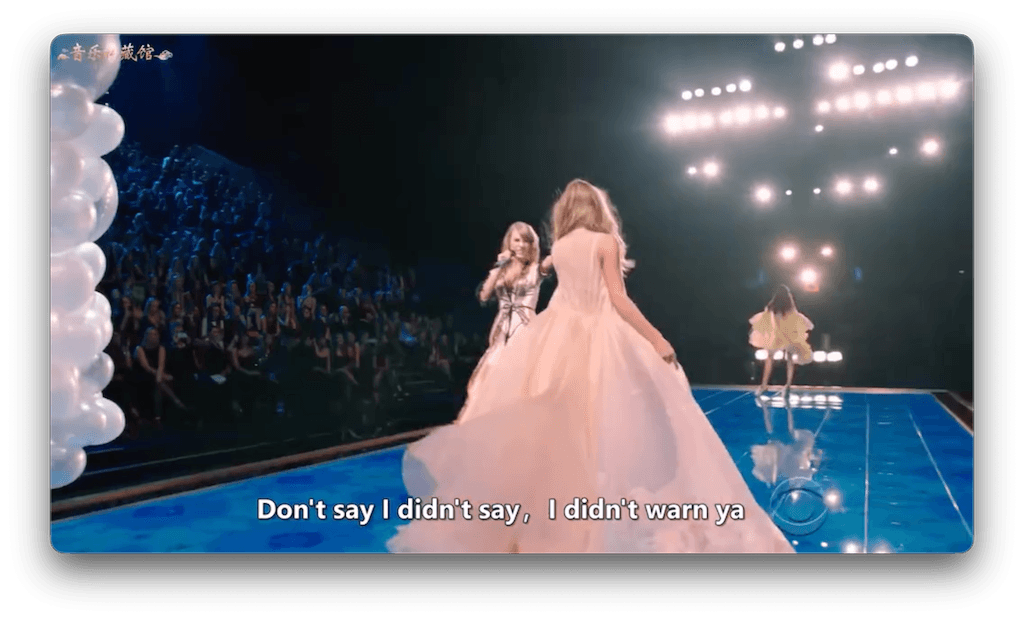
Top 5 AI Subtitle Removers Compared
| Tool | Technology | Quality | Key Advantage |
|---|---|---|---|
| 1. EchoSubs AI | Offline Inpainting | High (No Blur) | Batch processing, privacy, 4K support |
| 2. Media.io | Online AI | Good | Easy to use, web-based |
| 3. Pollo AI | Generative Fill | Medium | Specialized for anime |
| 4. HitPaw | Desktop AI | Medium | User-friendly interface |
| 5. Handbrake (Crop) | Cropping (Not AI) | Low (Loses Video) | Free, open source |
How EchoSubs AI Works
Import Video
Load any video format (MP4, MKV, AVI).
Select Area
Mark the subtitle region once.
AI Inpaint
The AI reconstructs the background frame-by-frame.
Why Not Use Free Online Tools?
- ✗They often blur instead of remove.
- ✗Strict file size limits (e.g. 50MB).
- ✗Watermarks on 'free' output.
- ✗Privacy risk: uploading sensitive videos.
The Offline Advantage
EchoSubs runs on your desktop GPU. This means you get professional-grade inpainting without sending your files to a cloud server.
- Unlimited video length & resolution
- Batch process entire seasons
AI Removal FAQ
Does it work on anime subtitles?
Yes! EchoSubs is excellent for removing hardcoded anime subs to create clean raws.
Will it blur the video?
No. Unlike simple removers, our AI regenerates the background pixels for a clean look.
Is it free?
There is a free trial. For unlimited batch processing, a license is required.
Mac or Windows?
Both! Optimized for Apple Silicon and NVIDIA GPUs.
Can I add my own subs after?
Yes, use our auto-transcribe feature to add soft subs back in.
How fast is it?
Very fast on modern hardware. 1080p videos process in minutes.
Get Clean Videos Now
Stop struggling with blurry messes. Use the best AI tool for the job.